01 Turns mockups into asset images
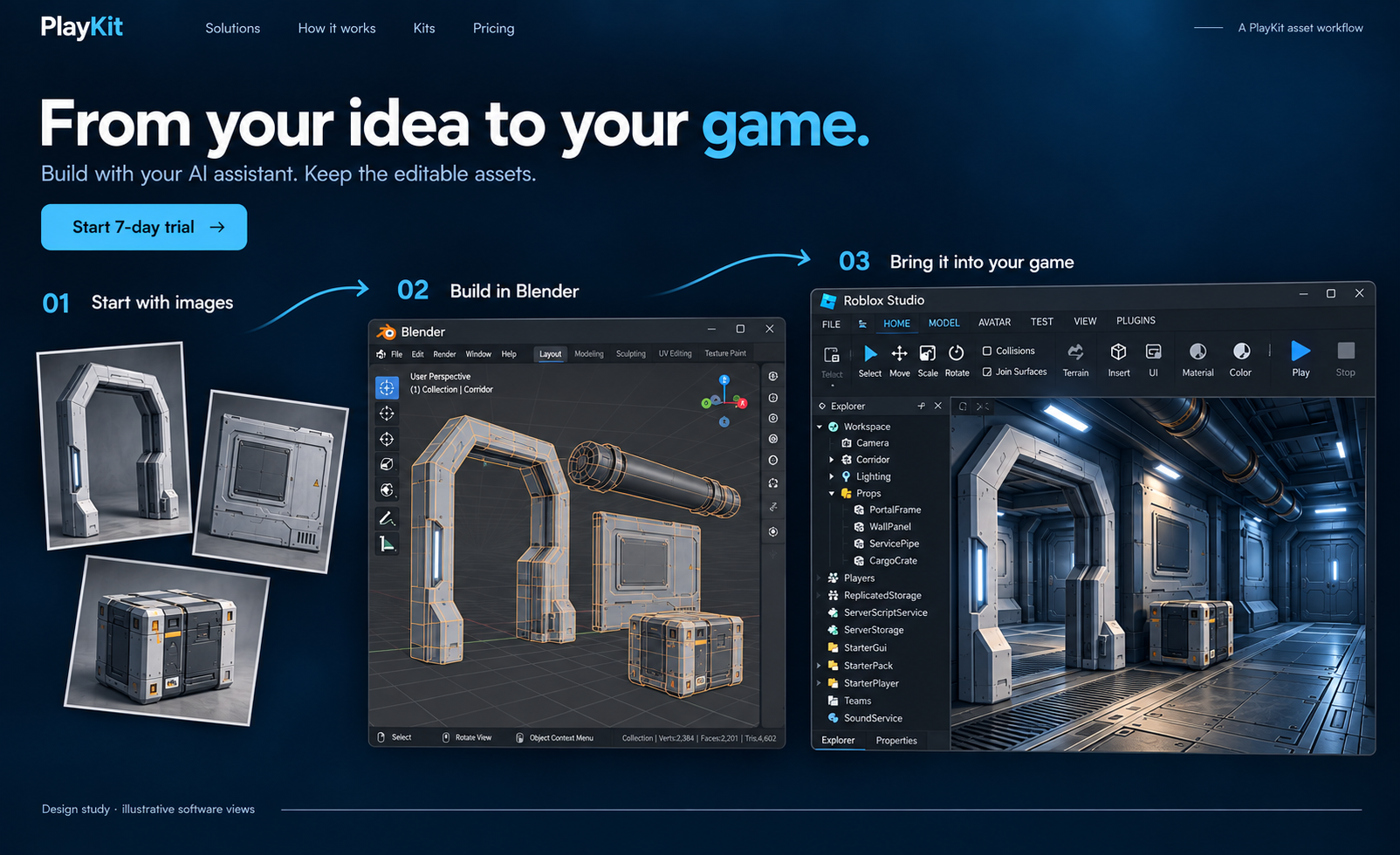
Set the direction.
Game development, with your AI assistant
PlayKit gives your AI assistant installable tools for building assets, interfaces and game systems.
Card required. $67/month per developer after seven days unless you cancel.
Set the direction.
Keep the source editable.
Selected Roblox, Unity and Unreal workflows. Import steps vary.
3D Asset Generator Kit · Illustrated workflow. Watch the real tutorial ↗
Turn your visual direction into reusable artwork and editable screens, with the workflow for your engine.
Choose your UI workflow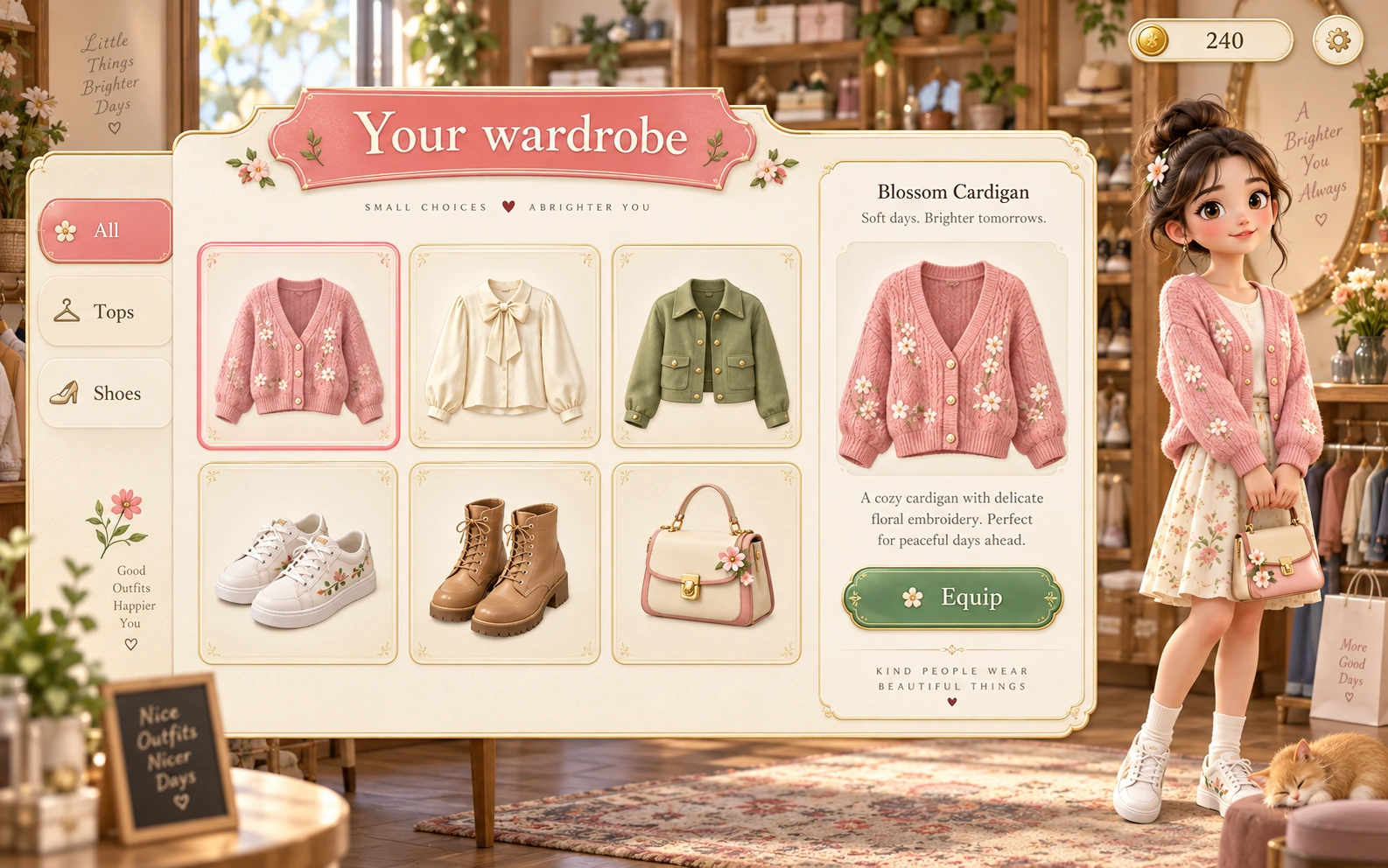
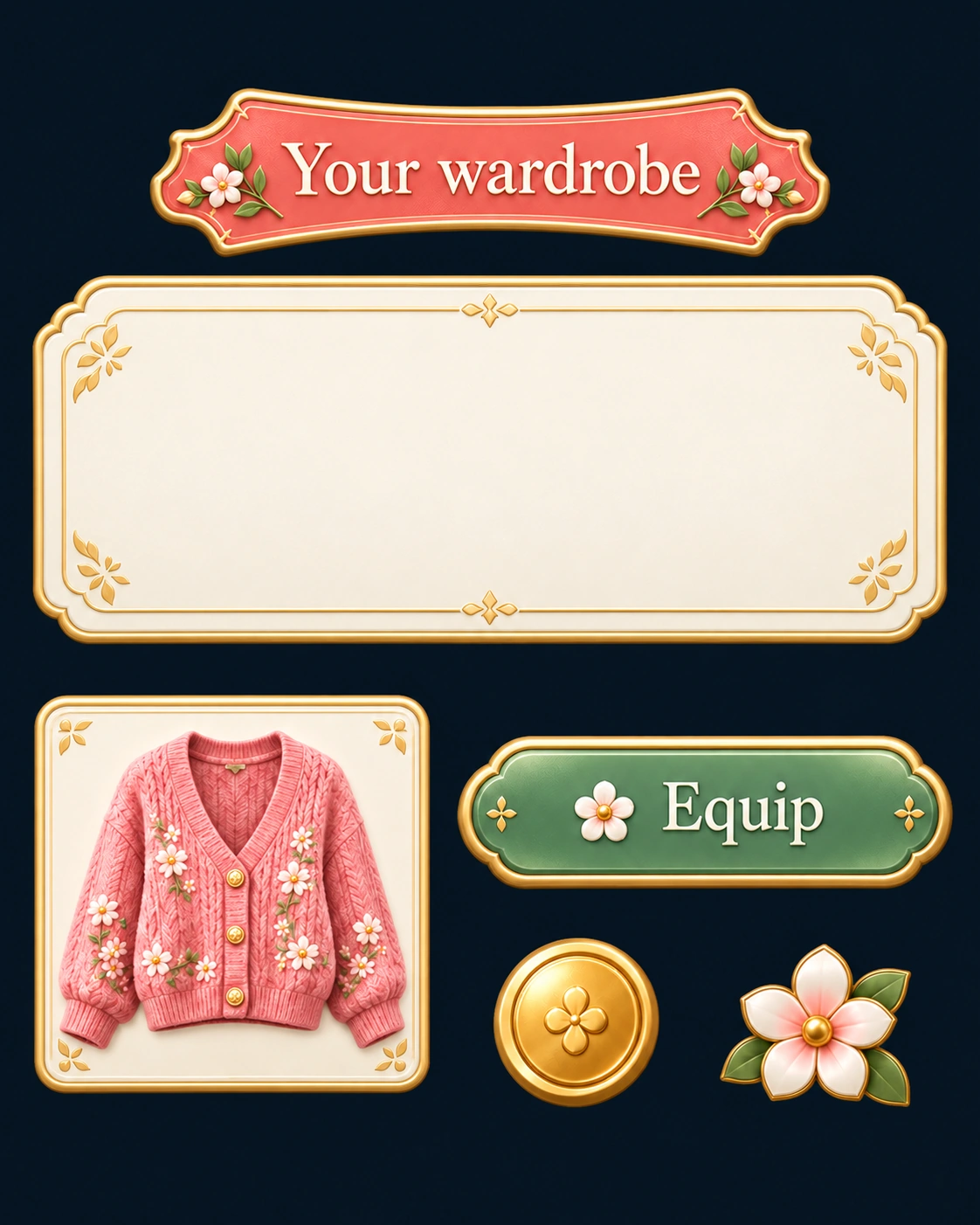
03 A screen you can build on
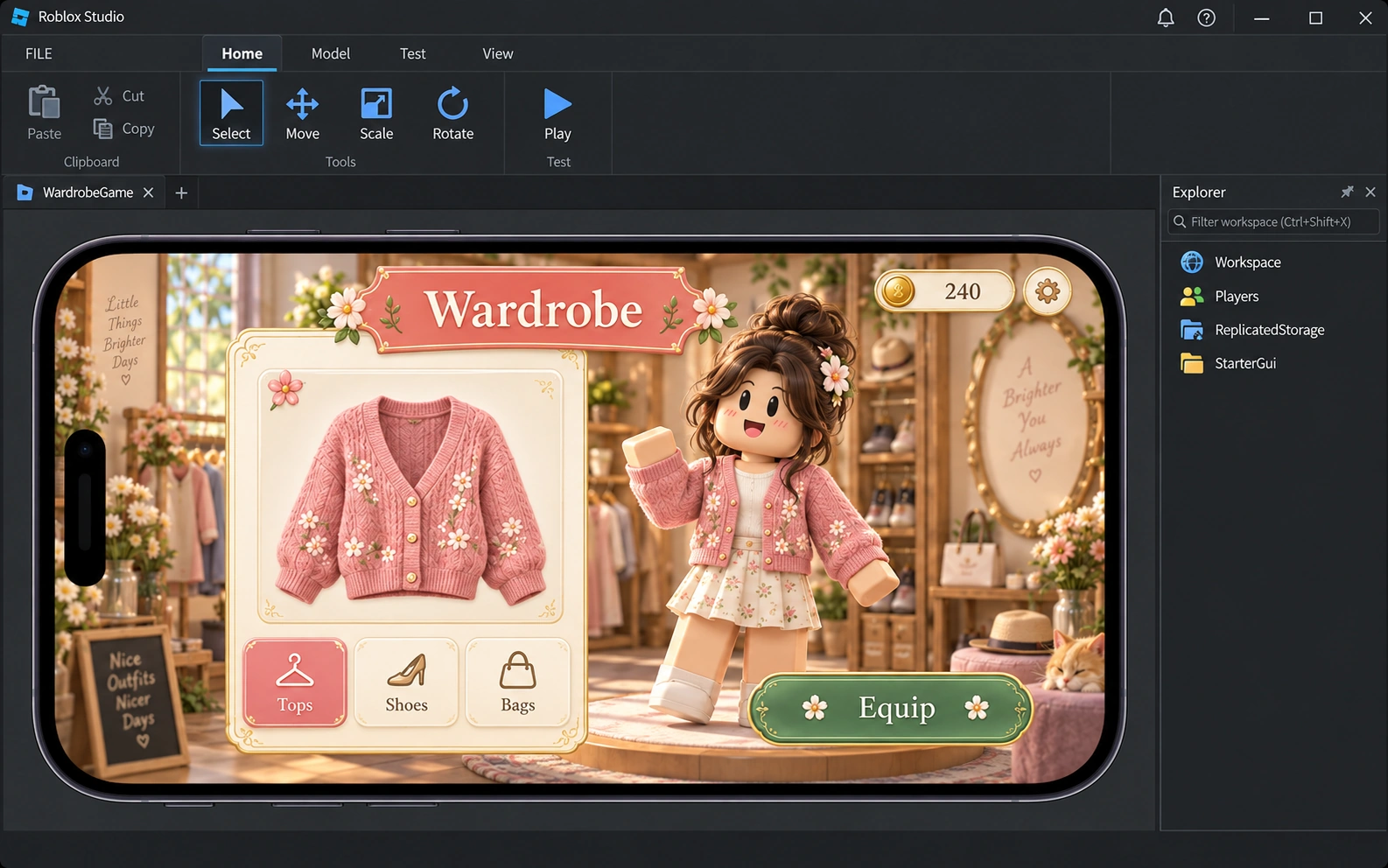
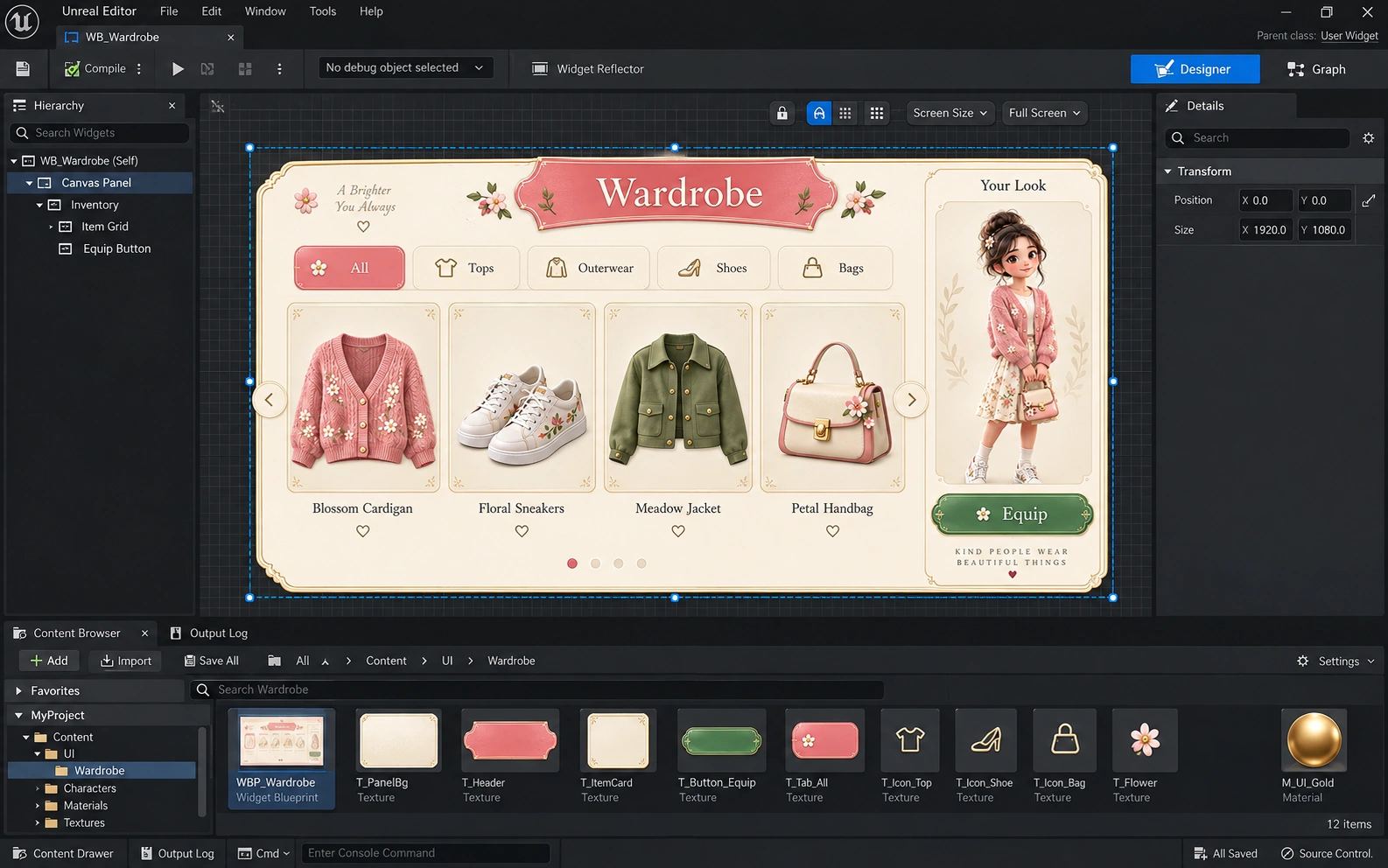
Illustrated workflow. Shared art direction; engine-specific UI and game logic.
What takes too long today?
Give your assistant the tools to do it.
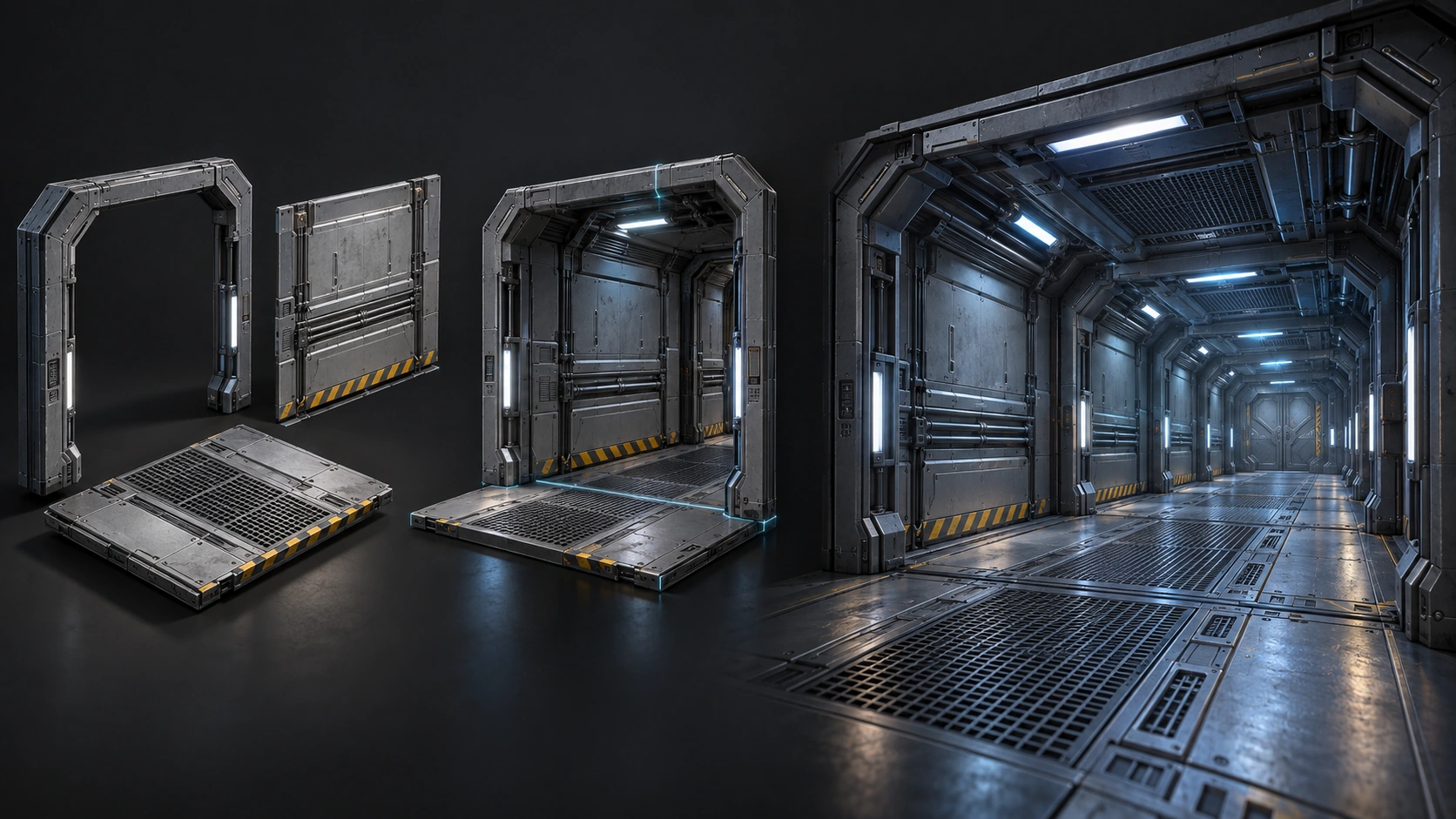
Selected cross-engine exports · Illustration
Choose the workflow for your engine · Illustration
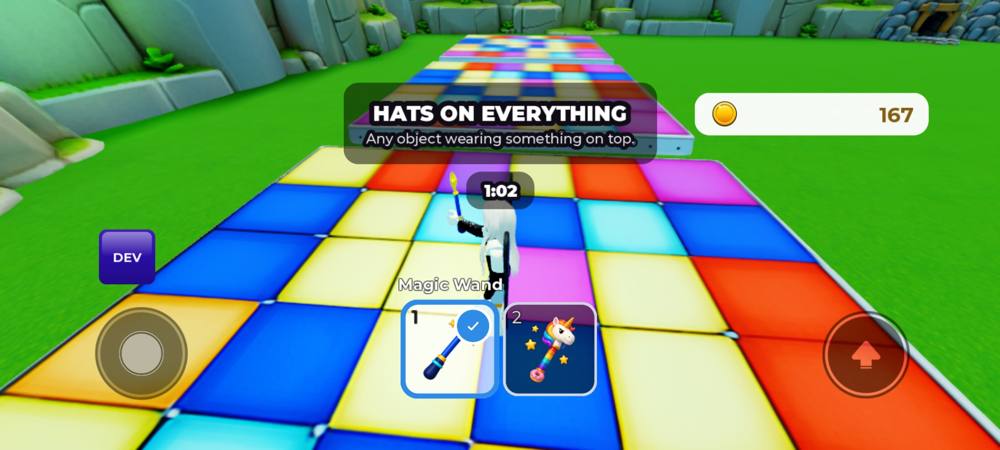 Studio phone viewport · 13 Aug 2026
Roblox QA Tester · Studio emulation, not physical-device testing
Find a lantern. Choose a route.
Bring the light home.
One map chunk. One starter item. Two routes.
Pickup → charge → recovery → feedback.
Sample generated by Game Design Kit · Image tools are separate
AI subscriptions and optional generation services are separate.
$67 / month per developer
Start 7-day trialCard required. Billed after seven days unless you cancel.
Cancel in Account. Access lasts through your trial or paid period; downloads, updates and hosted access end at expiry. Installed local work keeps working.No. PlayKit supplies kits your existing AI assistant uses inside your project. You keep your editor, review the changes and decide what ships.
Most gameplay and QA kits target Roblox. UEFN has a dedicated beta kit. Some asset workflows support additional engines; check each kit’s stated platforms and requirements before starting.
Your card is charged $67 per developer each month after the seven-day trial unless you cancel. Manage cancellation and billing from your account.
Yes. Existing member-key access remains supported. Use the legacy-key sign-in route in the app; verified account linking requires proof of your existing key.